Sep 23, 2026
Best Visual Feedback Tools in 2026
Hussain Abdullah
Head of Product7 min read
A visual feedback tool lets people click on a design, a web page, a video or a document and leave a comment on the exact spot. It sounds simple, but the tools on the market are quite different from each other. Some are built for live websites. Some are built for video. Some are only good inside a design file.
This list covers seven tools worth looking at in 2026. For each one you will see who it is for, what it does well and what to watch out for. We make Commento, so it is on the list, but we have tried to be fair about every option.
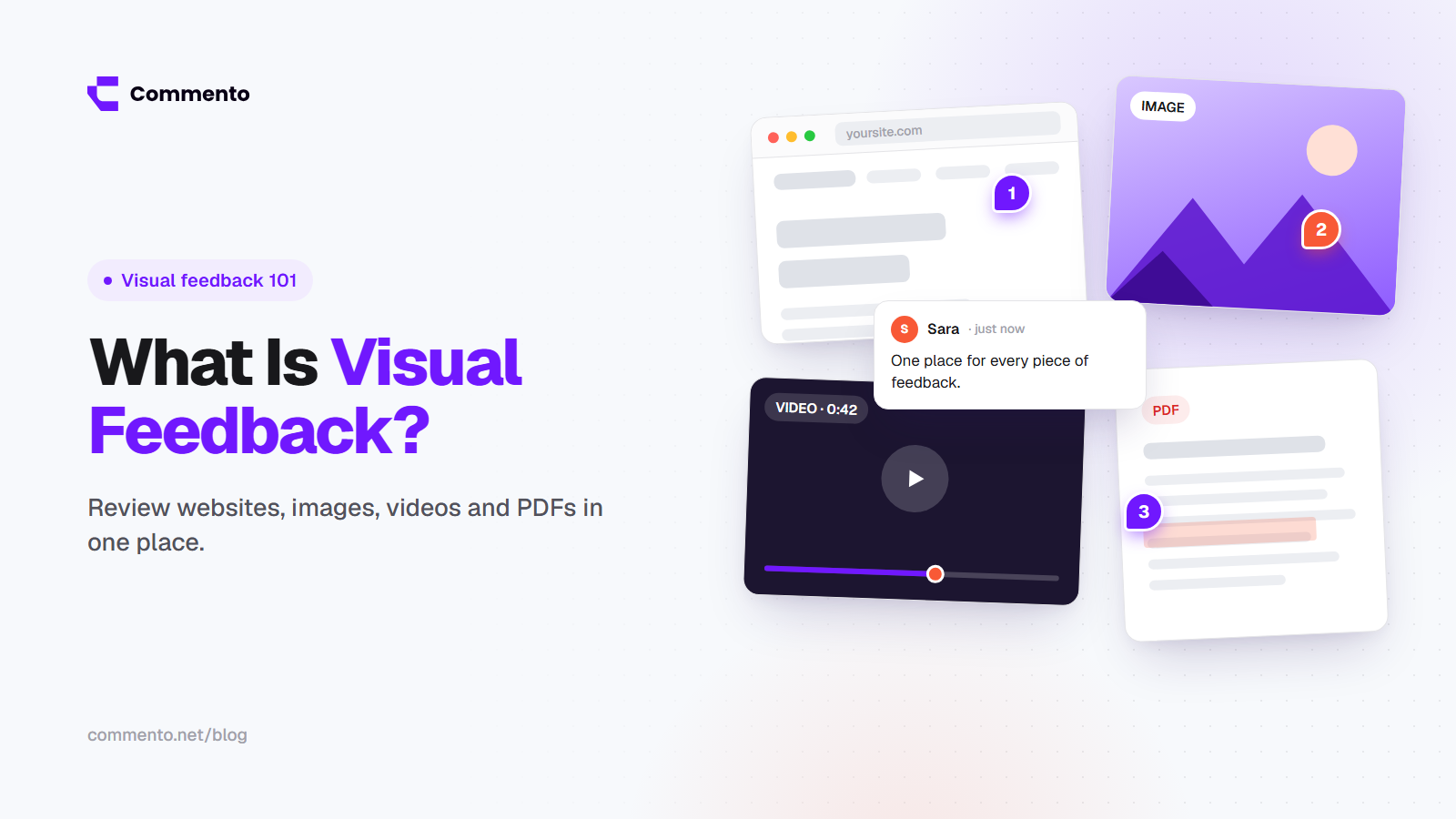
New to the idea? Read what visual feedback is and how it works first, then come back here.
How we picked these tools
We looked at each tool through the eyes of a small team or agency that reviews work with clients every week and needs a website design feedback tool as much as a place to comment on videos and PDFs. We focused on five questions:
Which file types can you review? Websites, images, videos, PDFs or only one of them?
Do reviewers need to create an account?
Does it capture useful details like browser and screen size?
How easy is it for a client who has never used it before?
Is there a free plan or trial so you can test it properly?
Pricing changes often, so we do not list exact prices. Check each tool's pricing page before you decide.
1. Commento
Best for: teams and agencies that want one place to review websites, images, videos and PDFs, and developers who want technical details with every comment.
Commento lets you pin comments on live websites, images, videos and PDFs. You share one link, and reviewers can leave feedback without signing up. When someone comments on a website, Commento also captures technical context such as the browser, device, screen size, console errors and failed network requests. That means a developer can see why something broke, not only what looks wrong.
What it does well
All four file types in one tool
No account needed for people giving feedback
Technical details attached to website comments automatically
Watch out for
It is a newer product, so it has fewer third party integrations than older tools
2. Markup.io
Best for: teams that want a well known, simple tool for commenting on many file types.
Markup.io is one of the best known names in this space. You can leave comments on websites, images, PDFs and videos, and it is easy for first time users to understand.
What it does well
Supports a wide range of file types
Clean and simple for clients
Watch out for
It is focused on comments, so developers get less technical detail with each note
Some teams find the plan limits tight as the number of projects grows
3. Ruttl
Best for: web design teams that want to comment on live pages and try small visual edits.
Ruttl lets you comment on live websites, and it also supports review of images, PDFs, videos and mobile apps. One feature designers like is the ability to try small text and style changes on the live page to show what they mean.
What it does well
Live page edits for showing design changes
Covers a lot of review types in one product
Watch out for
The number of features can feel like a lot for clients who only want to leave a quick comment
If you are looking for a Ruttl alternative, the main things to compare are how easy it is for clients and how much technical detail your developers get with each comment.
4. Pastel
Best for: agencies that mostly collect client feedback on websites.
Pastel (you may know it as usepastel) has been popular with agencies for years. It focuses on quick, simple website commenting so clients can point at things and move on.
What it does well
Very easy for clients to pick up
Built around the agency and client workflow
Watch out for
Less focus on video review and technical bug details
People searching for a usepastel alternative usually want either more file types or more detail for developers. Those are the two areas to test first.
5. Filestage
Best for: marketing and content teams with formal approval steps.
Filestage is built around review and approval. You can upload videos, PDFs, images and other files, set review steps and track who has approved what. It works well when legal, brand and marketing all need to sign off.
What it does well
Approval steps and version tracking
Good for video and document heavy teams
Watch out for
It is more of an approval tool than a website feedback tool, so live website review is not its main strength
6. Frame.io
Best for: video editors and production teams.
Frame.io is owned by Adobe and is built for video review. Comments are tied to exact moments in the video, and it connects with editing tools like Premiere Pro, so editors can see notes where they already work.
What it does well
Frame accurate video comments
Close connection with Adobe editing tools
Watch out for
It is made for video, so it is not the right fit for website or PDF review
7. Figma comments
Best for: design teams reviewing work before it is built.
If your team already designs in Figma, its built in comments are the easiest way to give design feedback. It is a design tool with commenting features rather than a feedback tool, but for early design rounds it often does the job.
What it does well
No extra tool needed if your designs already live in Figma
Comments sit right next to the design layers
Watch out for
Comments stay inside the design file, so it cannot review the live website, videos or PDFs
Clients usually need a Figma account to take part fully
How to choose the right visual feedback tool
Whether you need a web design feedback tool for client rounds or a website visual feedback tool your developers can rely on, the best choice depends on what you review most. Here is a simple way to decide:
You mostly review live websites with clients: pick a tool with no sign up for reviewers and pinned comments on real pages, such as Commento or Pastel.
Your developers fix what clients report: pick a tool that captures browser, screen size and console errors, such as Commento.
You mostly review videos: Frame.io is built for that job.
You need formal sign off from several departments: look at Filestage.
You only need notes on designs before they are built: Figma comments may be enough.
You review a mix of websites, images, videos and PDFs: choose one tool that covers all four so feedback does not end up in different places.
If your work is mostly websites, you may also want our separate list of the best website feedback tools in 2026, which covers bug reporting and user feedback tools as well.
Is there a free design feedback tool?
Yes. Most tools on this list offer a free plan or a free trial. Free plans usually limit the number of projects, reviewers or files. The smart move is to run one real project through two or three tools and see which one your clients actually use without asking you for help.
Final thoughts
There is no single best visual feedback tool for everyone. A video team, a design team and a web agency all need different things. But if you review more than one type of file, or you want developers to get useful details with every comment, it makes sense to keep everything in one place.
You can try Commento on your next project and see how it compares with the tool you use today.