Sep 23, 2026
Website Feedback: The Complete Guide to Collecting and Acting on It
Hussain Abdullah
Head of Product7 min read
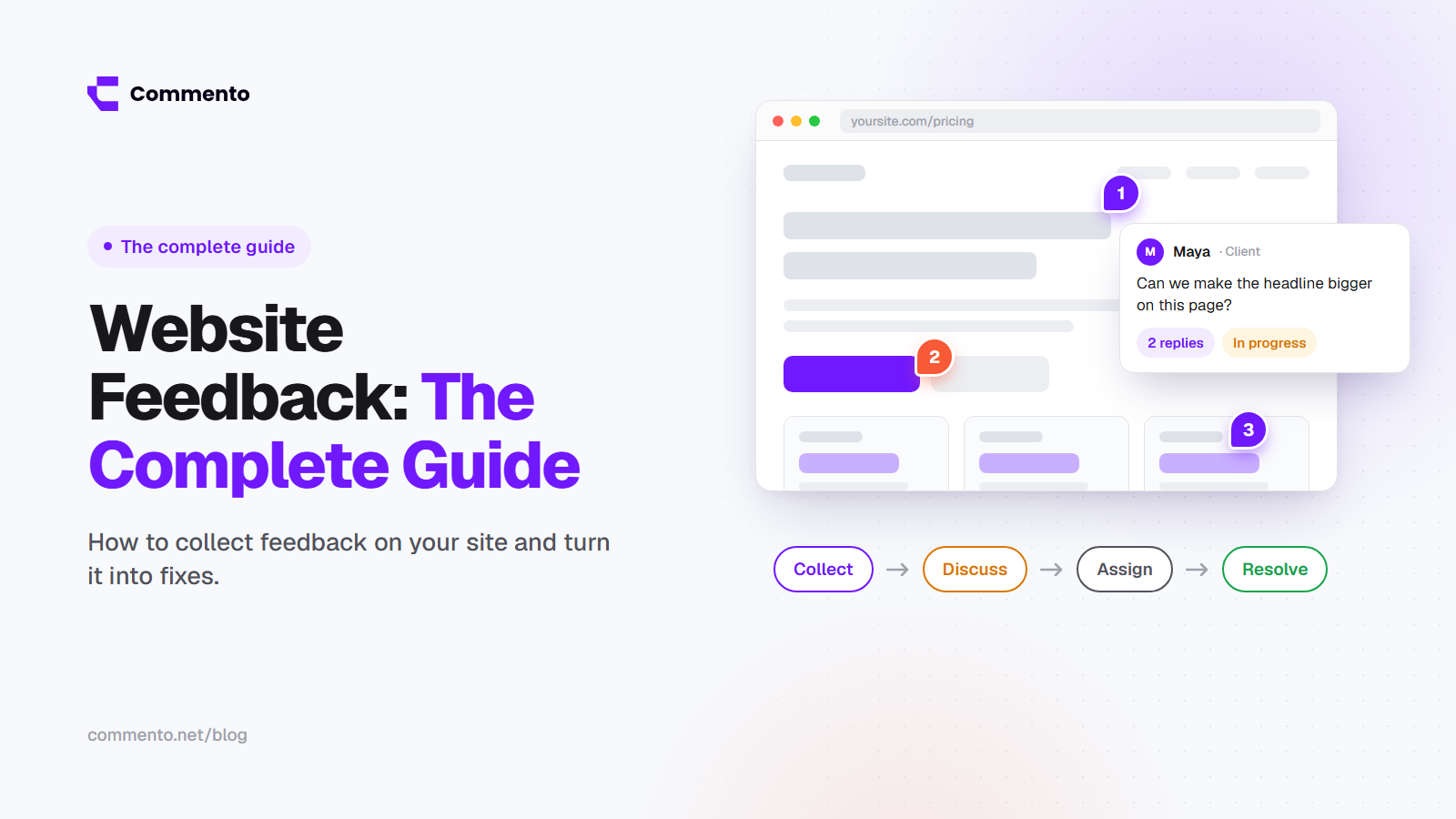
Every website gets feedback. Clients have opinions on the design. Users get stuck on forms. Your team spots typos a day after launch. The question is not whether you get feedback. It is whether you can collect it clearly and actually do something with it.
This guide covers the two main types of website feedback, the best ways to collect each one and a simple system for turning comments into fixes.
What is website feedback?
Website feedback is any comment, rating or report about how a website looks or works. It can come from clients approving a new design, from your own team testing a build, or from real visitors using the site.
Good website feedback tells you three things: what the problem is, where it happens and why it matters.
The two main types of website feedback
1. Review feedback from your team and clients
This is feedback on a website that is being built or changed. It usually comes from clients, designers, developers, copywriters and project managers. It covers things like design changes, copy edits, broken links, layout issues and bugs.
The biggest problem with this type is clarity. People describe what they see in words, and the person fixing it has to guess the rest.
2. User feedback from visitors and customers
This is website user feedback from the people who actually use your site. It tells you what confuses them, what they cannot find and what stops them from buying or signing up.
Website customer feedback is usually collected through surveys, feedback buttons, reviews and support messages.
Both types matter. Review feedback helps you build the site right. User feedback helps you learn if you built the right thing.
How to collect feedback on a website
There is no single best way to collect feedback on website projects. If you want to get feedback on your website from both clients and visitors, you will usually combine a few of these methods.
Pinned comments on the live page
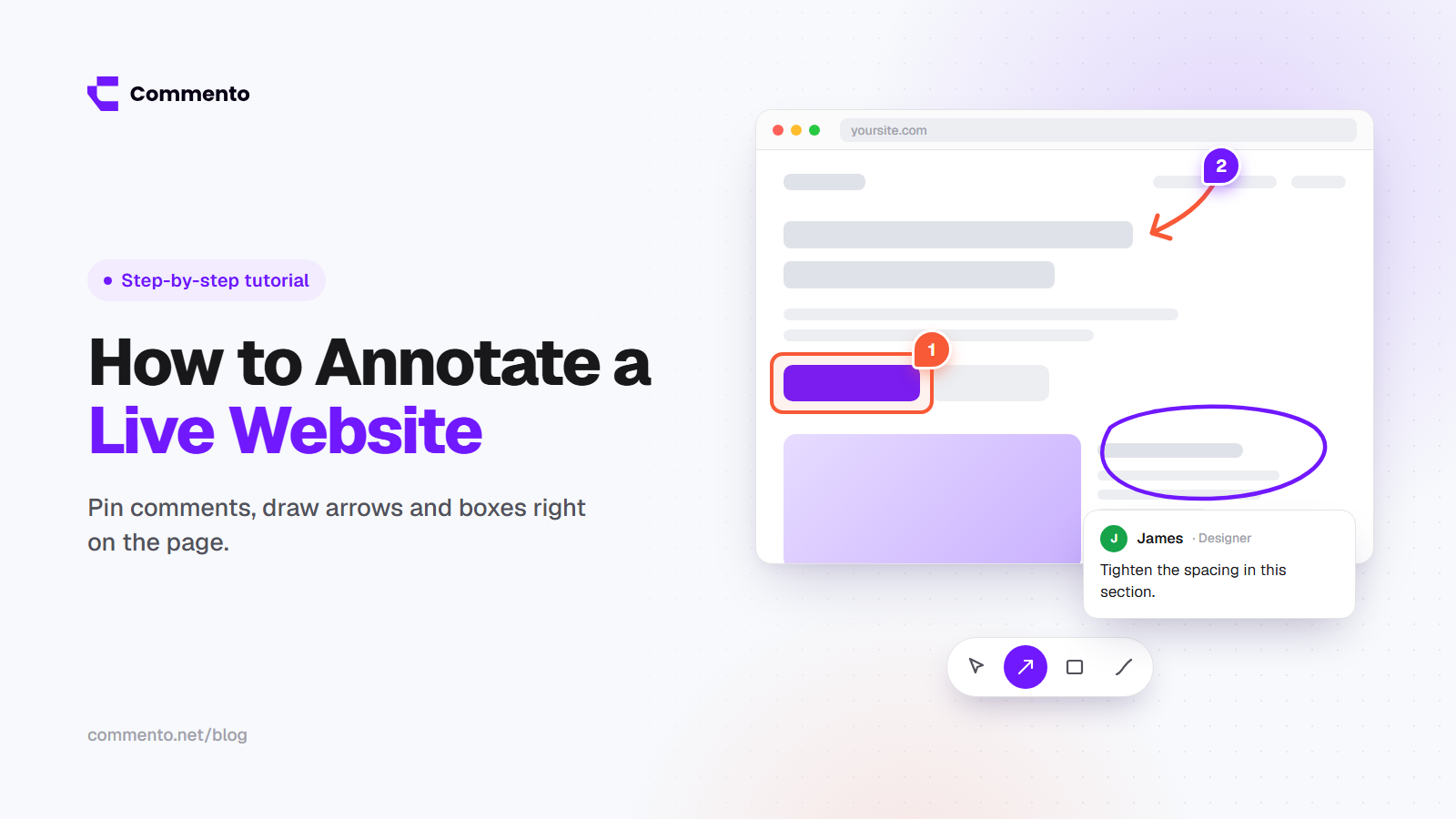
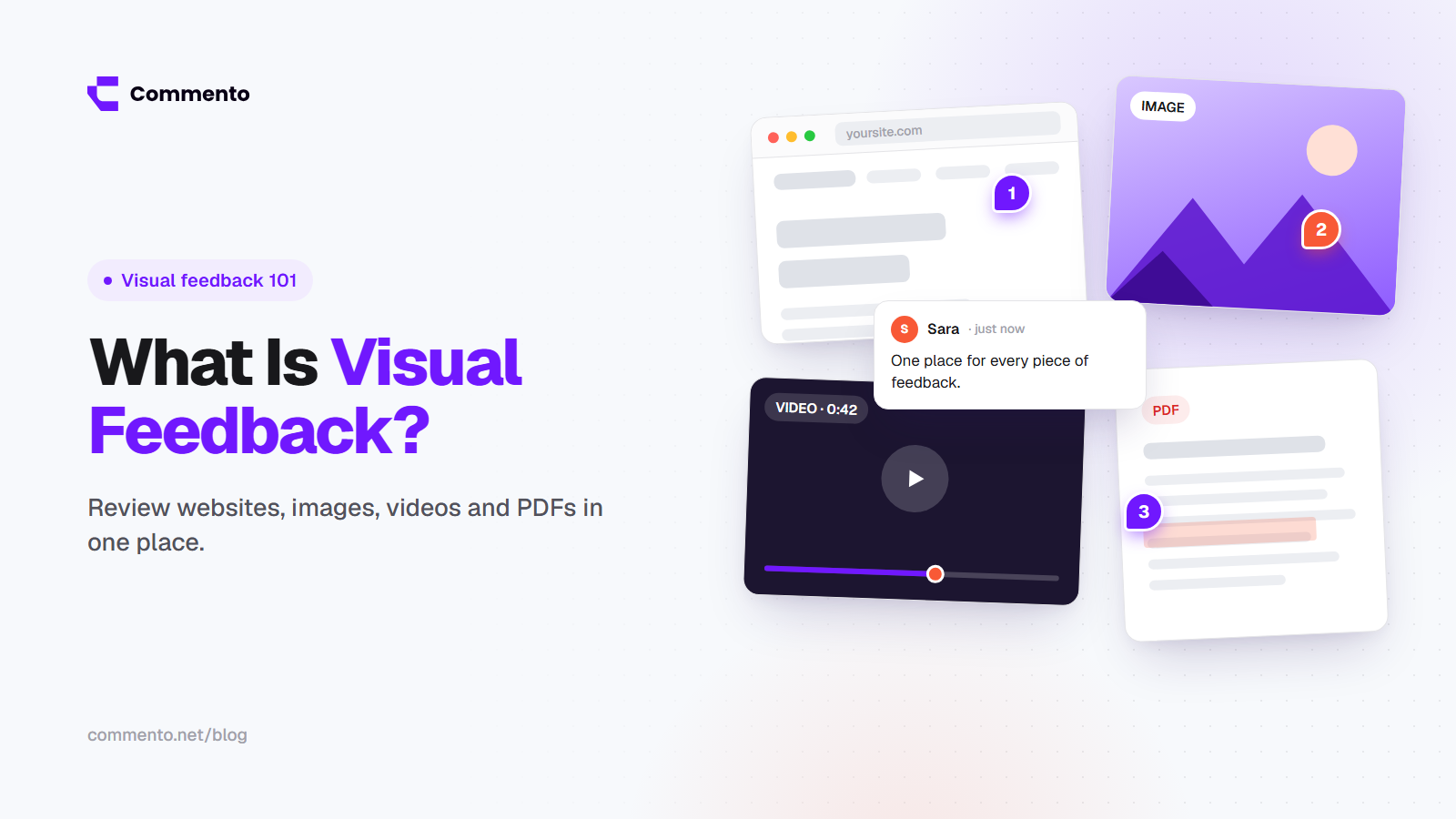
For review feedback, the clearest method is letting people click on the page and leave a comment on the exact element. This is often called visual feedback or website annotation. There is no guessing about which button or which paragraph they mean.
If you have not tried it, our guide on how to annotate a live website shows the full process step by step.
Feedback buttons and widgets
A small "Feedback" button in the corner of the page lets visitors report problems or share ideas without leaving the site. Keep it short. One question and an optional text box works better than a long form.
Short surveys
Surveys work well at key moments, such as after a purchase or when someone is about to leave a page. Ask one or two questions at most. For example: "What almost stopped you from signing up today?"
User testing
Watching five people try to complete a task on your site shows you problems that nobody will ever write in a survey. You can do this in person, over a video call or with a testing service.
Analytics and session recordings
Numbers are feedback too. High exit rates, forms that people start but never finish and pages where people click on things that are not links all point to problems worth looking at.
Why email is a poor way to collect website feedback
Email is still the most common way clients send website feedback, and it causes most of the trouble:
Notes are split across many threads and replies
Screenshots go out of date quickly
There is no clear list of what is done and what is still open
Important details like browser and screen size are almost always missing
Good alternatives to email for client website feedback
A visual feedback tool where clients click on the page and comment. This is the closest to how people naturally give feedback: "this thing here."
A shared task board such as Trello or Asana, as long as every task links to the exact page and has a screenshot.
A short video call where the client shares their screen, followed by written notes.
Of these, a visual feedback tool is usually the easiest for clients because they do not have to write long descriptions. With Commento, clients open one link and leave comments right on the page without creating an account.
How to ask for website feedback that is actually useful
Vague questions get vague answers. "What do you think?" leads to "looks good" or "I don't like it." Try more specific questions instead:
Is anything on this page unclear or confusing?
Can you find the pricing and contact details in under ten seconds?
Does anything look broken on your phone?
Is the main message of this page clear from the first screen?
What would stop you from taking the next step here?
Also tell reviewers what kind of feedback you need right now. In an early round you want thoughts on layout and structure. Near launch you want typos, broken links and bugs. Saying this up front saves a lot of time.
How to act on website feedback
Collecting feedback is the easy part. Acting on it is where most projects slow down. Here is a simple process that works for small teams and agencies.
Step 1: Keep all feedback in one place
If feedback lives in email, chat, a spreadsheet and three people's heads, things will be missed. Pick one place and send everything there.
Step 2: Sort it
Group comments into a few simple buckets: bugs, content changes, design changes and new ideas. This makes it easier to hand work to the right person.
Step 3: Set a priority
Not every comment needs to be fixed today. A simple scale works well:
Must fix: broken features, wrong information, anything that stops a sale or signup
Should fix: layout problems, unclear copy, small visual issues
Could fix: nice ideas that can wait for a later round
Step 4: Assign and fix
Each comment should have one owner. When a comment is about a bug, developers need clear details. Our guide on visual bug reporting explains what a report needs so it can be fixed on the first try.
Step 5: Close the loop
Mark each comment as resolved and let the person who raised it know. Clients trust the process more when they can see their feedback was heard and handled.
Build a simple website feedback system
A website feedback system does not need to be complicated. For most teams it looks like this:
One tool for review feedback from clients and the team
One lightweight way for visitors to share feedback, such as a button or a short survey
A regular time each week to sort and prioritize what came in
A final check before every launch using a website QA checklist
If you are still choosing a tool, our comparison of the best website feedback tools in 2026 can help you narrow it down.
Common website feedback mistakes
Asking too many people at once. Ten reviewers with different opinions can stall a project. Pick a small group and one final decision maker.
Treating every comment as a task. Some feedback is opinion. Weigh it against your goals before acting.
Ignoring mobile. Many visitors will see the site on a phone first. Make sure reviewers check it there too.
Never following up. If people never see their feedback acted on, they stop giving it.
Final thoughts
Website feedback works best when it is clear, kept in one place and turned into action quickly. Use pinned comments for review rounds, simple surveys and feedback buttons for visitors and a short weekly routine to sort it all.
If you want an easier way to get website feedback from clients and your team, try Commento and share your first review link today.