Sep 23, 2026
What Is Visual Feedback? Reviewing Websites, Images, Videos and PDFs in One Place
Hussain Abdullah
Head of Product5 min read
Think about the last time someone sent you feedback on a website. It probably looked something like this: "The button on the pricing page looks off. Also the second image is blurry. Can we make the heading bigger?"
Which button? Which image? Bigger by how much?
So you open the page, guess, reply with questions and wait. A small change ends up taking three emails and two days.
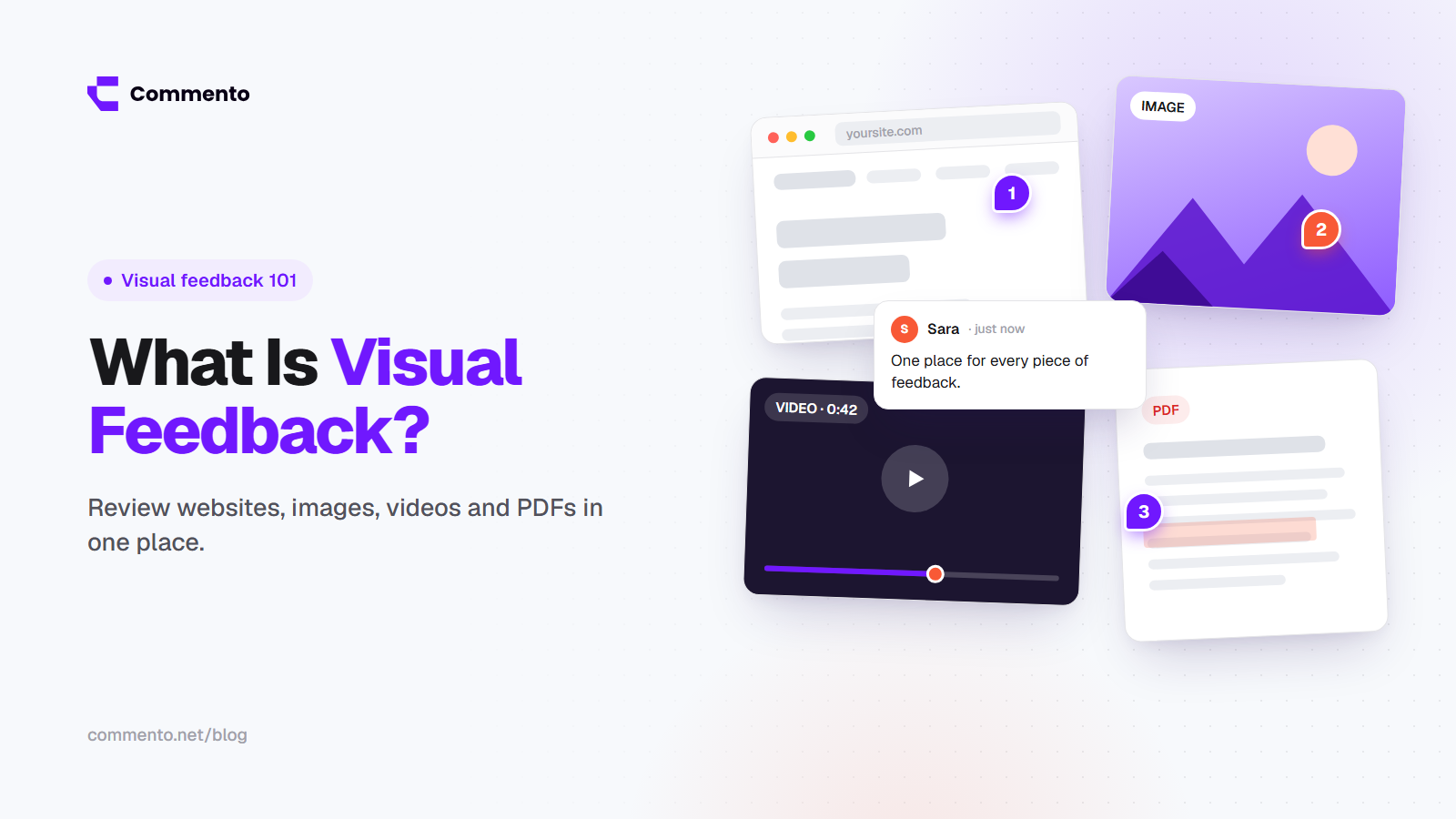
Visual feedback fixes this. Instead of describing a problem in words, the reviewer points at it and leaves a comment right there. This guide explains what visual feedback is, how it works for different kinds of files and how to keep all of it in one place.
What visual feedback means
Visual feedback is any comment that is attached to a specific spot on the thing being reviewed. You click on a button, a line of text, a moment in a video or a paragraph in a PDF, and you type your note. The comment stays pinned to that exact spot.
The person reading it does not have to guess. They see the comment and the thing it points to at the same time.
You may also hear it called website annotation, website markup or simply web comments. The idea is the same in every case: show the problem instead of describing it.
Why written feedback causes so many problems
Most feedback still travels through email, chat messages and long documents full of screenshots. That leads to the same problems again and again:
Missing context. "The logo is too small" does not say which page, which screen size or which browser.
Scattered notes. One person replies by email, another in Slack, another in a shared doc. Nobody has the full list.
Old screenshots. A screenshot is out of date as soon as something on the page changes.
Slow rounds. Every unclear note turns into a question, and every question adds a day.
Visual feedback removes most of these problems because the comment and its context live together.
How visual feedback works for each type of file
Websites
For websites, you open the live page or a staging version and click anywhere to leave a comment. A good tool also records the details developers need, such as the browser, operating system and screen size. This is the most common use, and it is why so many people look for a simple way to comment on any website without installing anything.
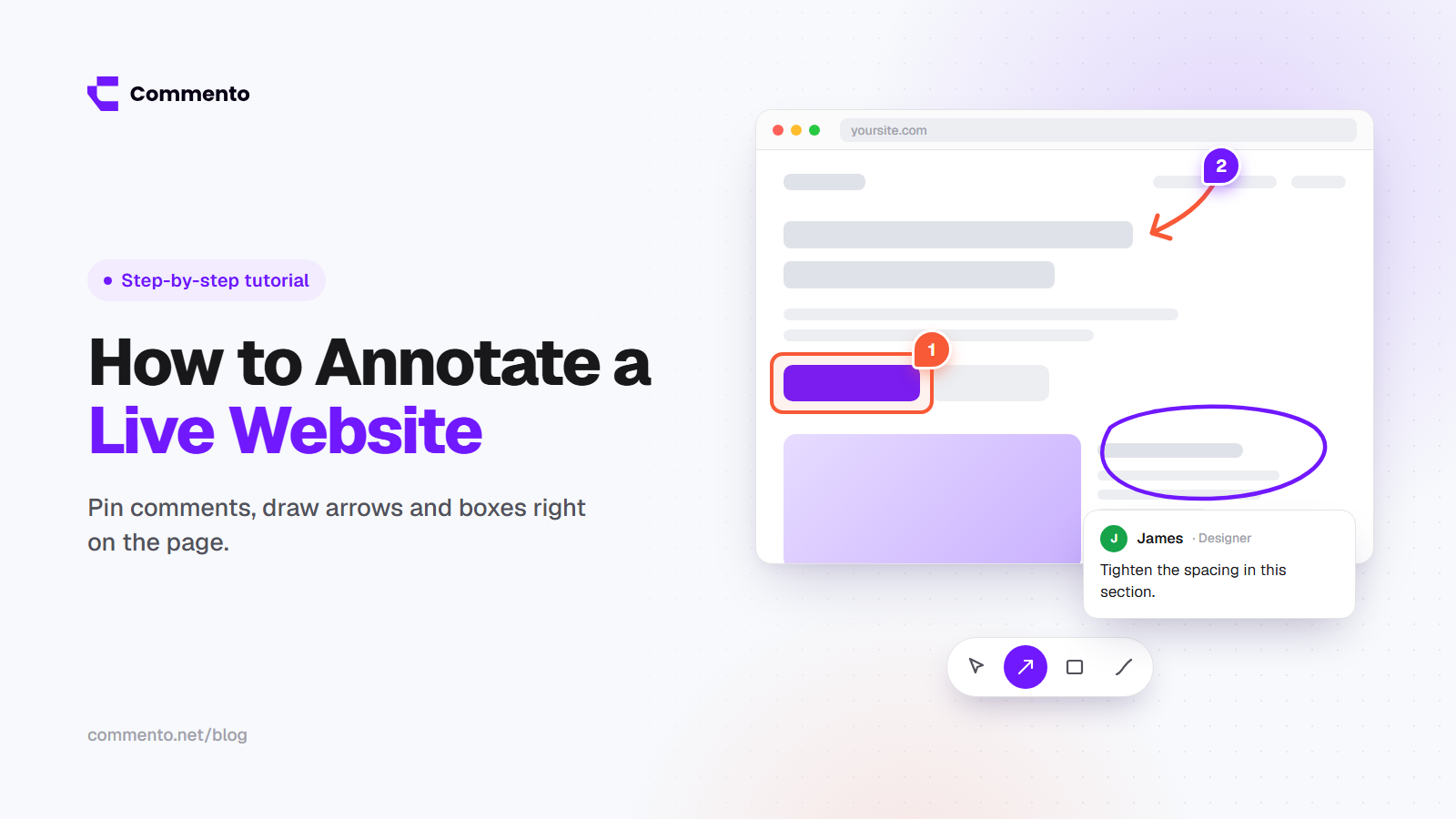
If you want to see the full process, our guide on how to annotate a live website step by step walks through it from start to finish.
Images
Designs, banners, social posts and product photos all get reviewed faster when people can click on the part they want changed. "Move this text up a little" pinned to the right spot is much clearer than the same sentence in an email.
Videos
Video feedback works best when each comment is tied to a timestamp. The reviewer pauses at 0:42 and writes "the caption covers the speaker's face here." The editor jumps straight to that moment and fixes it.
PDFs
Brochures, proposals, reports and contracts often go through many rounds of changes. Pinning comments to a paragraph or a page keeps every note tied to the exact line it is about.
Who uses visual feedback
Agencies use it to collect client feedback on websites and designs without long email threads.
Developers and QA testers use it to report bugs with the page, the element and the browser details attached.
Designers use it to get clear notes on mockups, images and live builds.
Marketing teams use it to review landing pages, videos and PDFs before launch.
Founders and small teams use it to keep every review in one place instead of five different apps.
The problem with a different tool for every file
Many teams end up with one tool for website comments, another for video review, a PDF editor for documents and email for everything else. That is a lot of logins, and it is easy for feedback to get lost between them.
Reviewing everything in one place has clear benefits:
One link to share with a client, whatever they are reviewing
One list of open comments for the whole project
One place to mark things as done
Less time spent explaining how each tool works
This is the idea behind Commento. You can leave pinned comments on live websites, images, videos and PDFs from one place, and the people giving feedback do not need to sign up.
What to look for in a visual feedback tool
If you are comparing options, these are the things that matter most in daily use:
No sign up for reviewers. Clients will not create an account just to leave three comments. If they have to, they go back to email.
Support for all your file types. Websites, images, videos and PDFs, not just one of them.
Technical details captured for you. Browser, device and screen size, and for websites things like console errors. This saves developers a lot of guessing.
A clear status for each comment. Open, in progress or resolved, so everyone knows what is left.
Easy sharing. A single link should be enough to start a review.
We compare the main options side by side in our list of the best visual feedback tools in 2026.
Tips for giving better visual feedback
A good tool helps, but the way people write their comments matters too. A few simple habits make every review faster:
One issue per comment. It is easier to fix and easier to mark as done.
Say what you expected. "This should open the pricing page" is more useful than "this is broken."
Be specific. "Make the heading a bit larger than the subheading" is better than "make it stand out."
Mark what must be fixed and what is nice to have. This helps the team plan the work.
If most of your comments are about bugs, our guide to visual bug reporting shows how to write reports developers can act on right away.
Visual feedback in short
Visual feedback means pointing at the problem instead of describing it. It works for websites, images, videos and PDFs, and it saves hours of back and forth on every project. The easiest setup is one tool where all of it lives together, with a link your clients can open without creating an account.
If you want to try it on your next review, start a free review with Commento and share your first link with your team or client.