Open and resolved
Resolve a comment when it's fixed. Resolved threads move to their own tab and stay locked as a record.
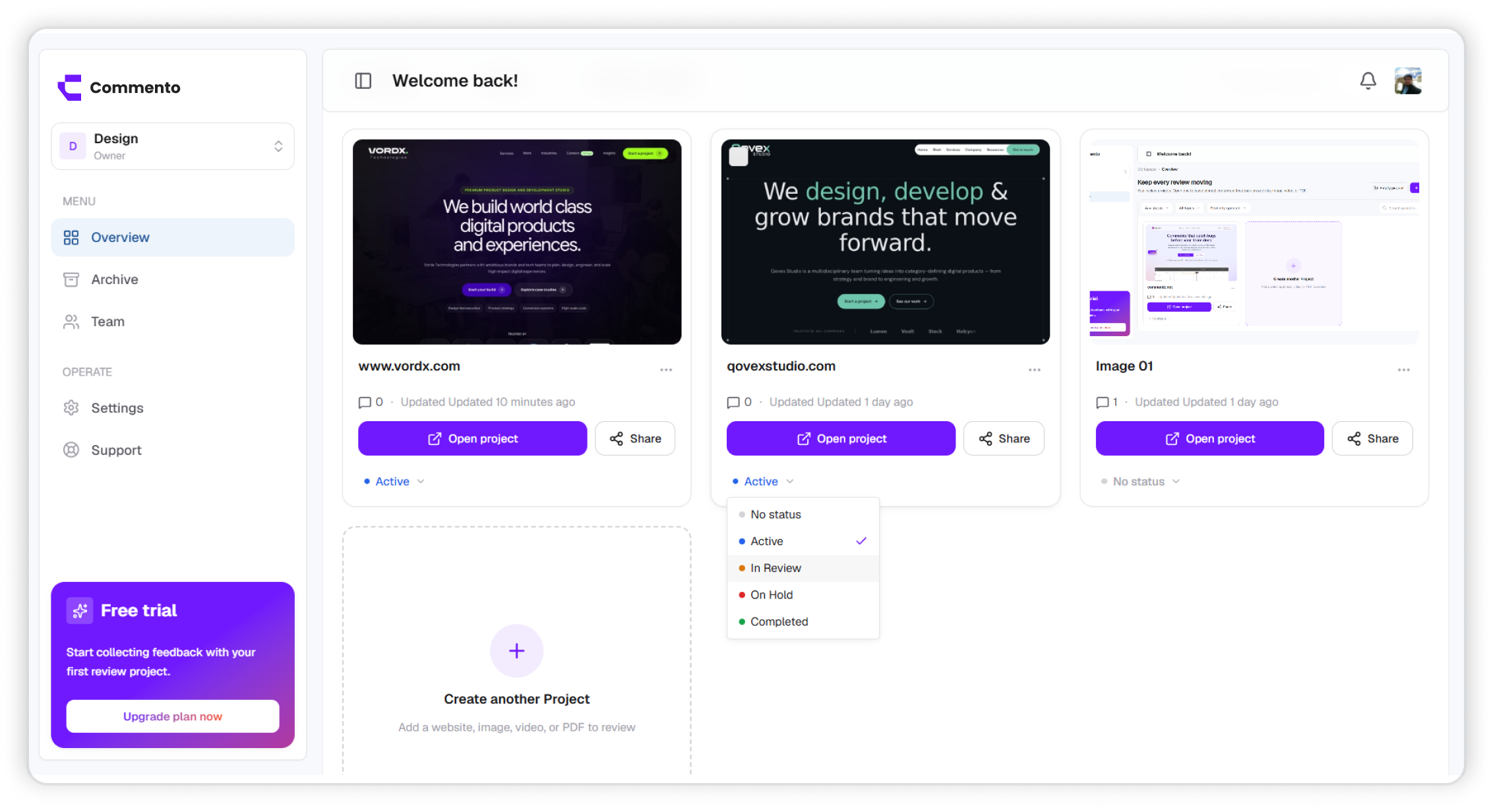

Comments stay open until someone resolves them. Your dashboard shows what's left on each project, and reminders chase the threads that are waiting on someone.
Every comment stays open until someone resolves it, and each project shows how many are left, so no change request slips between review rounds.
Resolve a comment when it's fixed. Resolved threads move to their own tab and stay locked as a record.
Every comment is its own conversation, with replies, mentions, and emoji reactions.
Mark each project Active, In Review, On Hold, or Completed so everyone knows where it stands.
Mention a teammate and, if the thread is still open after two days without their reply, Commento reminds them, so nothing waits in silence.
Comment tracking is how a review gets from first note to finished work. Every comment is open until someone resolves it, every project shows how many comments are still open, and replies keep the discussion attached to the comment it's about.
Projects also carry a status, so you can see at a glance which reviews are active, waiting on a client, on hold, or complete.
Feedback spread across email, chat, and calls has no finish line. Nobody is sure which notes were handled, which were agreed, and which were quietly forgotten until the client asks again.
When every comment has a clear open or resolved state and its own reply thread, the remaining work is always visible and every decision is on record.
Here is how a review moves from incoming feedback to a closed project.
Try it freeYour dashboard shows each project's open and resolved comment counts, and a badge for anything new since your last visit. Notifications by email or push tell you about replies and mentions as they happen.
Open a comment to see its thread and type in the reply box. Ask a question, confirm the change, or explain a decision. Mention a teammate with @ to pull them in, and react with emoji for a quick acknowledgement.
You can edit your own comments and replies. Edited ones are marked so everyone knows the text changed.
Tip: Reply before you fix when a request is unclear. A one-line question saves a second round.
Project owners and admins can pause comments so the list stops growing while the team works through it, then reopen them for the next round.
Click the check on a comment to resolve it. It moves to the Resolved tab, its drawing is hidden from the page, and the thread is locked so the record of what was agreed doesn't change.
When the open count reaches zero, set the project status to Completed. The whole history of the review stays in the project if you need it later.
Open the comment to see its thread, type in the reply box, and send. You can mention teammates with @, attach files, and react with emoji. Replies send notifications, so the conversation keeps moving.
Clients' comments appear in the same list as your team's. Open one, reply in its thread to confirm or question the change, and resolve it once it's done. The client sees your reply when they open the review link.
It moves to the Resolved tab, its drawing is hidden from the page, and the thread is locked so the record of what was agreed doesn't change.
Yes, you can edit your own comments while the thread is open. Edited comments show an Edited tag. Once a thread is resolved, it can no longer be edited.
Yes. Open the comment's menu and choose Delete. If the feedback was handled, resolving it is usually better because it keeps a record.
Yes. Project owners and admins can pause comments, then reopen them for the next review round.
Each project card shows a badge with the number of new comments since you last opened it, and you get notifications by email or push for replies and mentions.
Yes. If you mention a teammate and the thread is still open two days later without a reply from them, Commento sends them a reminder.
Not per comment today. Comments are open or resolved, projects have a status, and mentions with reminders make sure the right person sees each thread.
Yes. Choose Copy link from the comment's menu. Anyone with access to the project who opens the link goes straight to that comment.
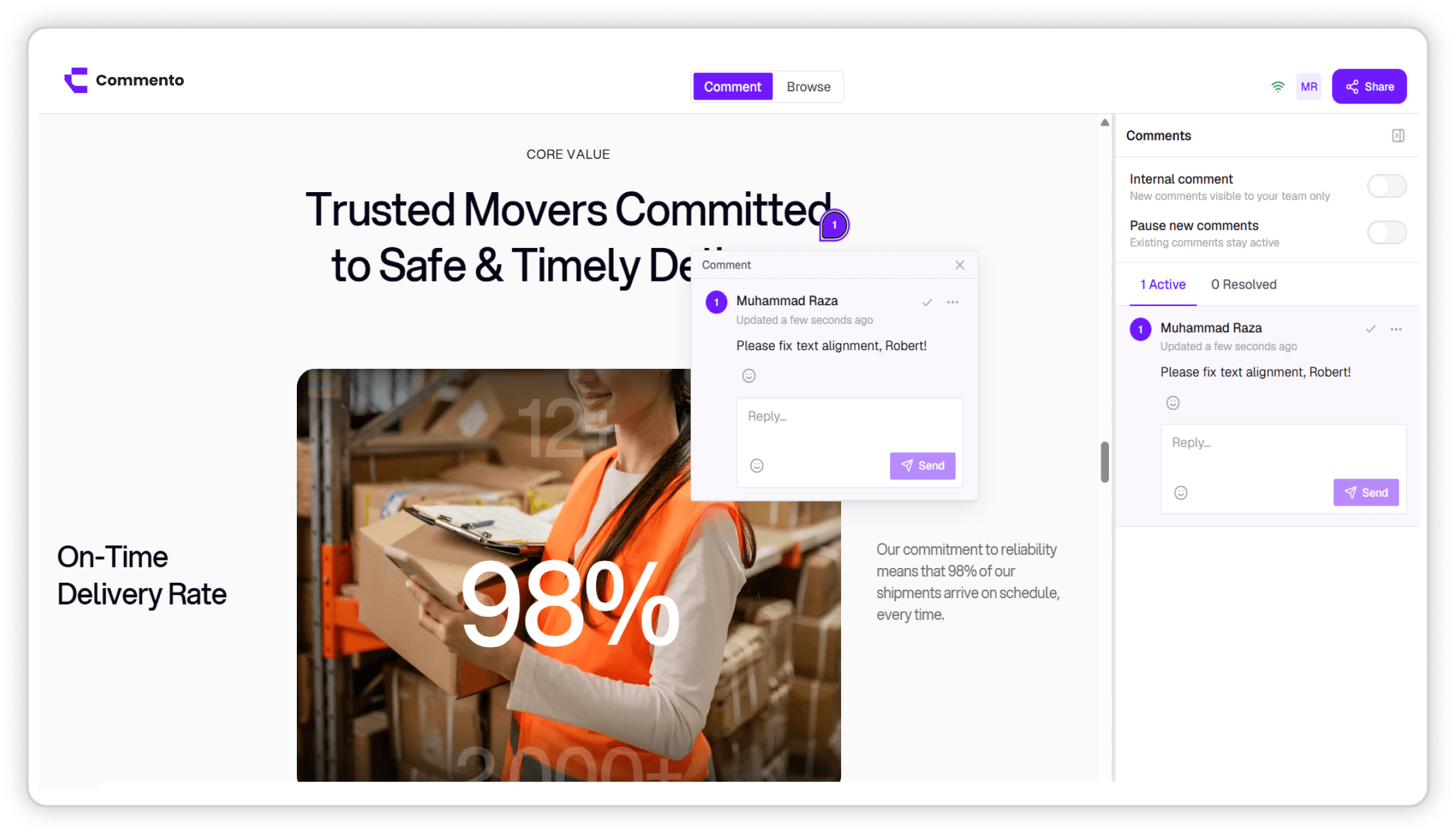
Point Commento at any staging or production URL and pin feedback to the exact element, with nothing to install in your codebase.
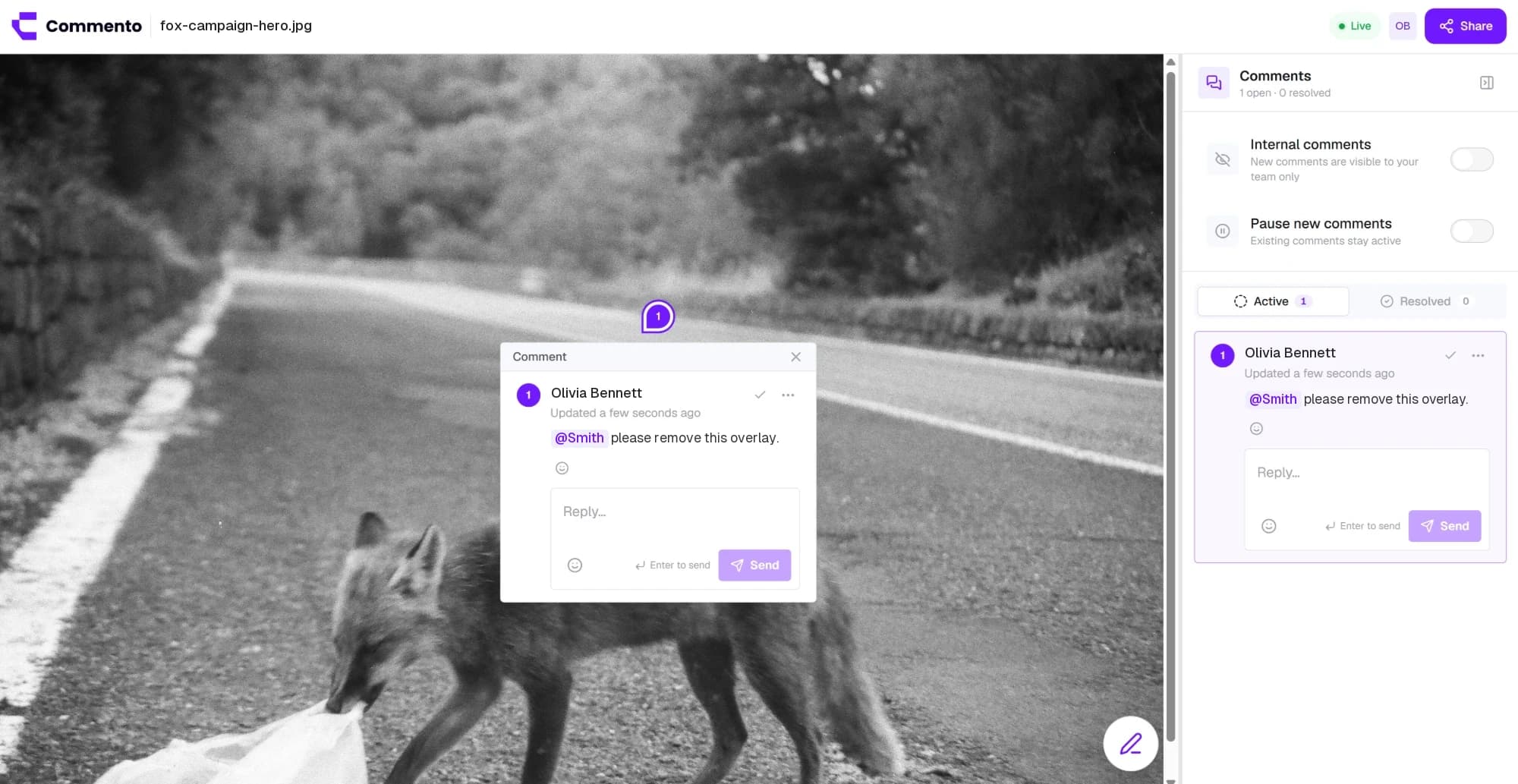
Upload a mockup, screenshot, or ad creative and pin feedback to the exact pixel, with arrows, boxes, and sketches drawn right on the image.
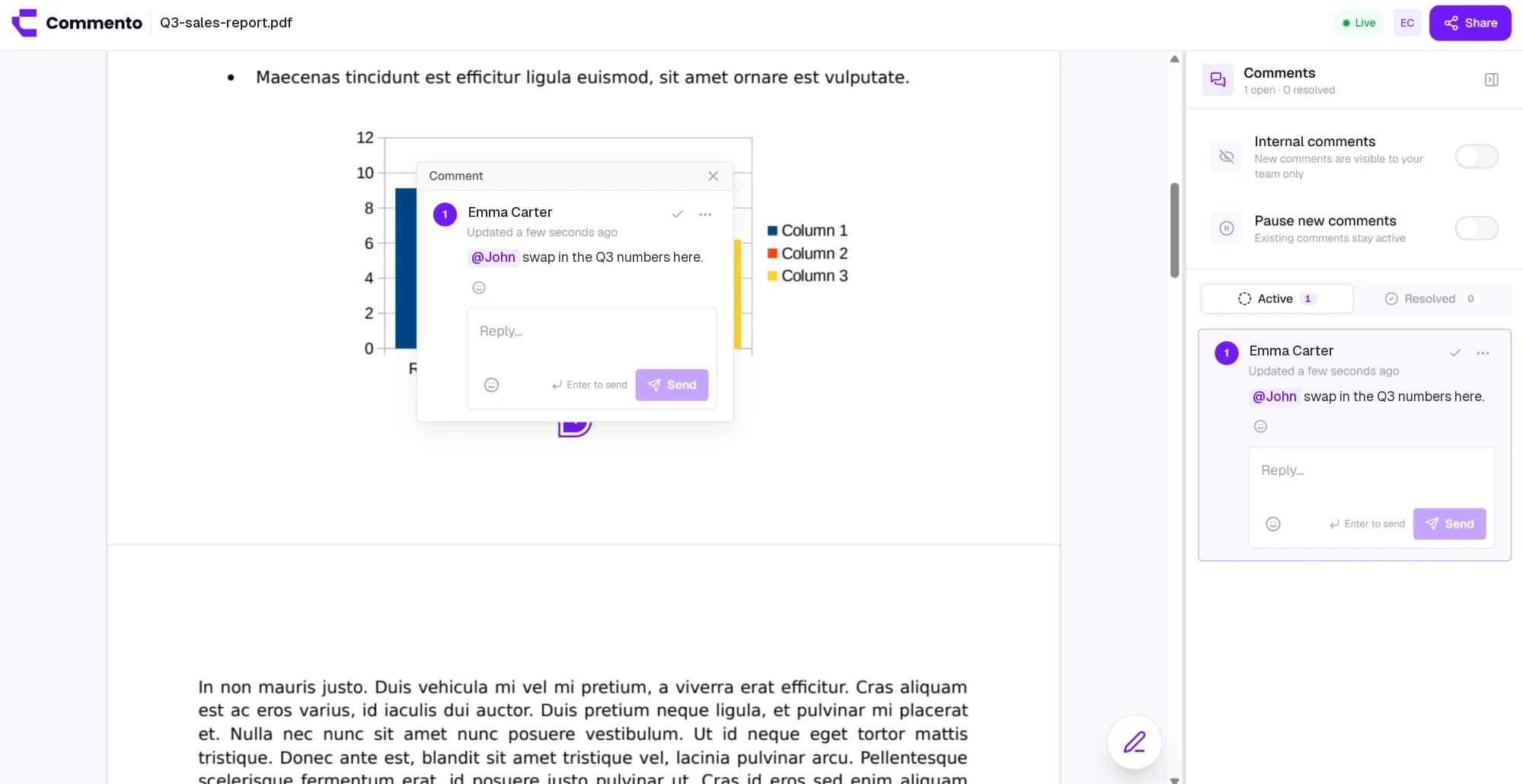
Upload a proposal, brochure, or contract and pin comments to the exact line on the right page, so every change request is clear.
Add a website, image, video, or PDF, share one review link, and get pinned feedback your team can act on. Free for 10 days with no card required.
Get started today