Timestamped comments
Each comment shows the moment it was left at. Click the timestamp and the video opens at that frame.
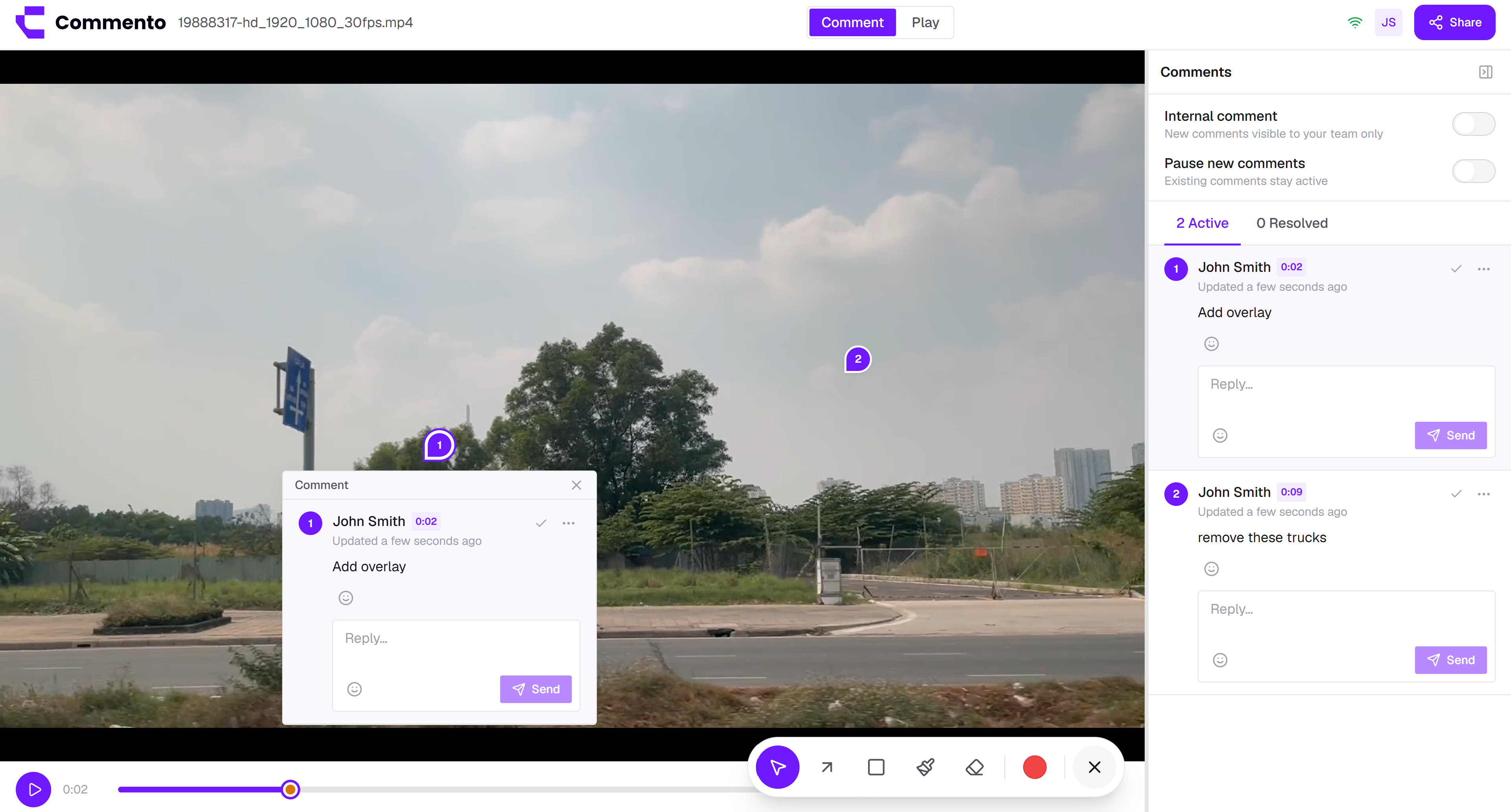

Upload a video, pause where something is off, and pin a comment to that moment. Every comment carries its timestamp, so editors go straight to the right frame instead of scrubbing for it.
Pause on the frame that is wrong and annotate the video right there, so motion, timing, and edits get feedback as precise as everything else.
Each comment shows the moment it was left at. Click the timestamp and the video opens at that frame.
Circle the logo that's off, point at the cut that's late, or sketch the change you want.
Share a link and reviewers watch and comment without downloading the file or creating an account.
The same pin-and-comment flow works on stills, storyboards, and PDF documents, so every asset in a campaign can be reviewed in one place.
Video feedback lets you comment in a video at the exact moment and spot that needs work. You pause on a frame, click the part of the picture you mean, and leave a comment that carries its timestamp.
Commento works as a video commenting tool for editors, motion designers, and marketing teams who need precise notes from clients and colleagues without sending files back and forth.
Video notes usually look like "at about 1:20 the logo feels late" in an email. The editor scrubs to find the moment, guesses which logo, and hopes they read the timing right.
A timestamped, pinned comment removes the guesswork. One click on the timestamp opens the video at that frame, and the pin and drawing show exactly what the note is about.
Here is the full commenting video workflow, from upload to the final resolved note.
Try it freeCreate a new project and drop the video into the upload area, or click to browse. Common formats your browser can play, such as MP4, work best.
Watch the cut and pause the moment something needs to change. The comment you leave will be tied to that point in the video.
Tip: Pause a beat before the problem frame when commenting on timing, so the editor sees the lead-in too.
Click the part of the frame you mean, such as a title, a product shot, or a transition, and write what should change. Mention a teammate with @ if they need to see it.
Open the annotation tools to circle, box, or sketch on the frame.
Copy the review link from Share this project. Clients watch in their browser, type their name, and comment. Nobody downloads the file.
Click a comment's timestamp to open the video at that moment, make the edit, and resolve the comment. Upload the new cut as a new project for the next round.
Upload the video to a Commento project, pause on the frame you want to talk about, click the spot, and type your comment. It is saved with its timestamp, so anyone can jump straight to that moment.
Yes. Every comment records the moment in the video it was left at. Click the timestamp and the video opens at that frame.
Yes. Pause the video and add arrows, boxes, or freehand marks to the comment on that frame.
No. The video plays in the browser inside the review, and reviewers comment there without downloading anything.
No. Clients open the review link, type their name, and start commenting.
Upload common formats that browsers can play, such as MP4. If a file plays in a modern browser, it will play in the review.
It is built for that. Clients get a link, comment at the exact frame with no sign up, and your team works through timestamped, pinned notes instead of an email thread.
Yes. Workspace members can mark a comment as internal, and guests never see it.
Yes. Upload stills, storyboards, scripts, or PDFs as separate projects in the same workspace and review them the same way.
Resolve the comment. It moves to the Resolved tab and its thread is locked, so you keep a record of every change made to the cut.
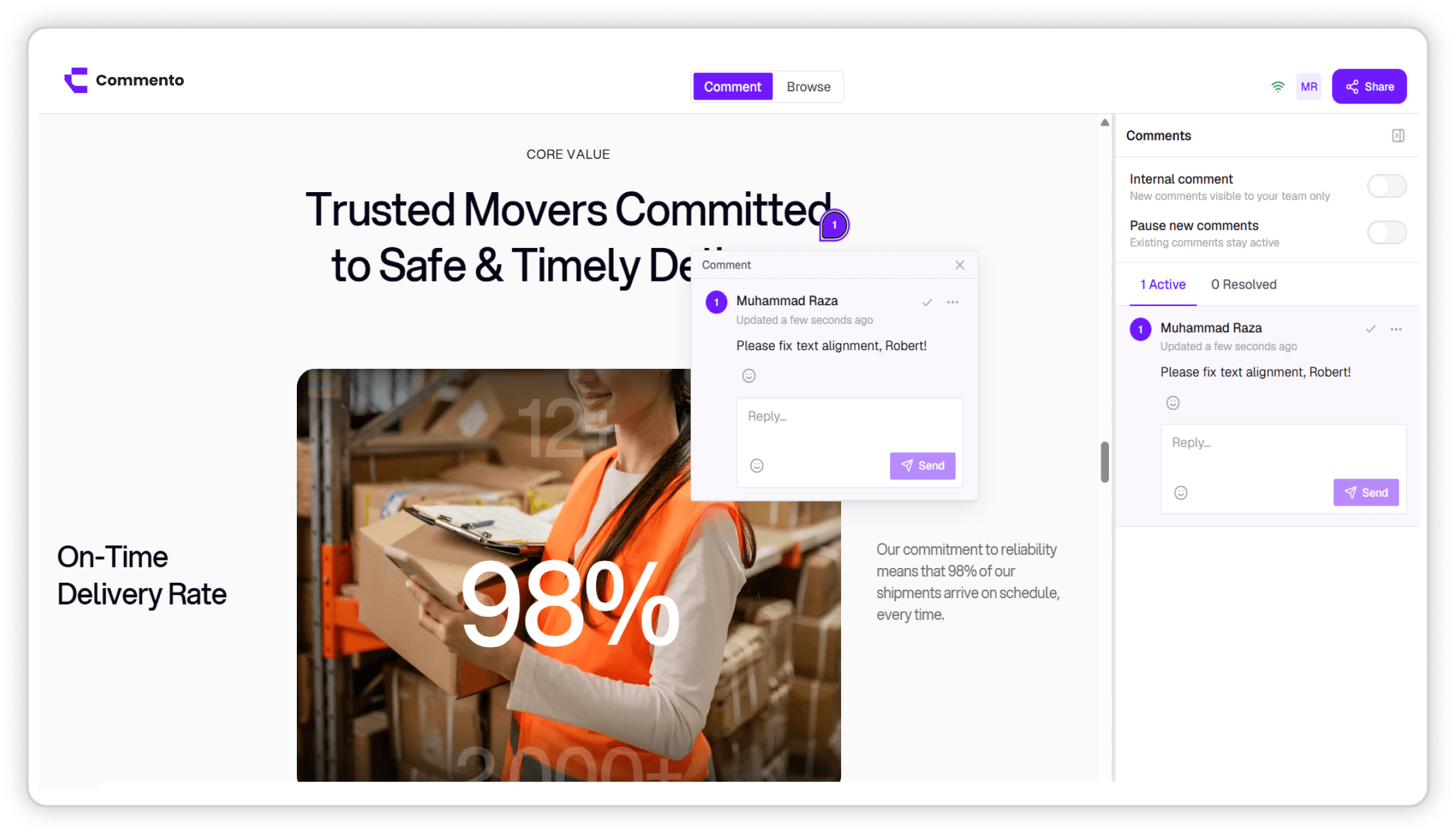
Point Commento at any staging or production URL and pin feedback to the exact element, with nothing to install in your codebase.
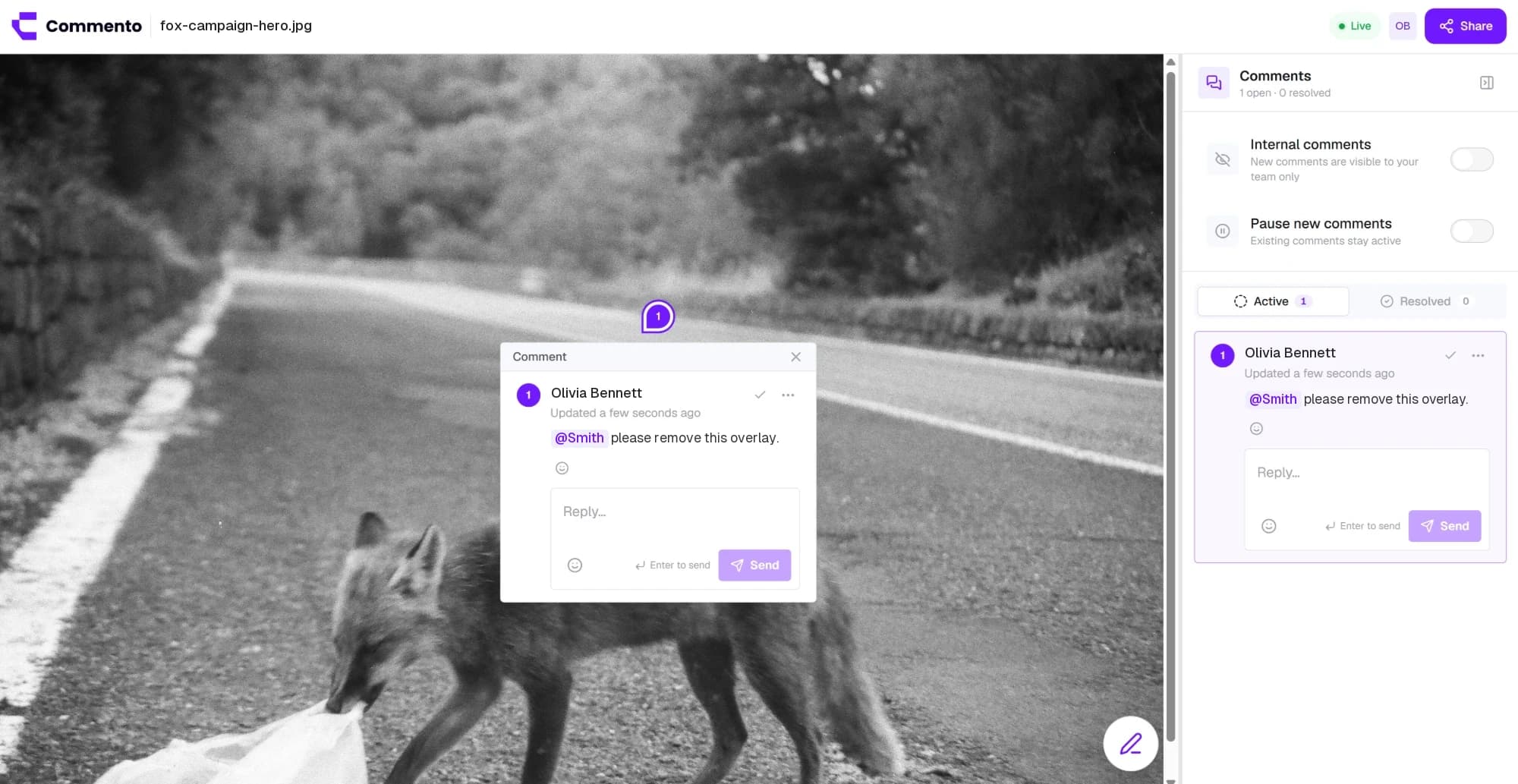
Upload a mockup, screenshot, or ad creative and pin feedback to the exact pixel, with arrows, boxes, and sketches drawn right on the image.
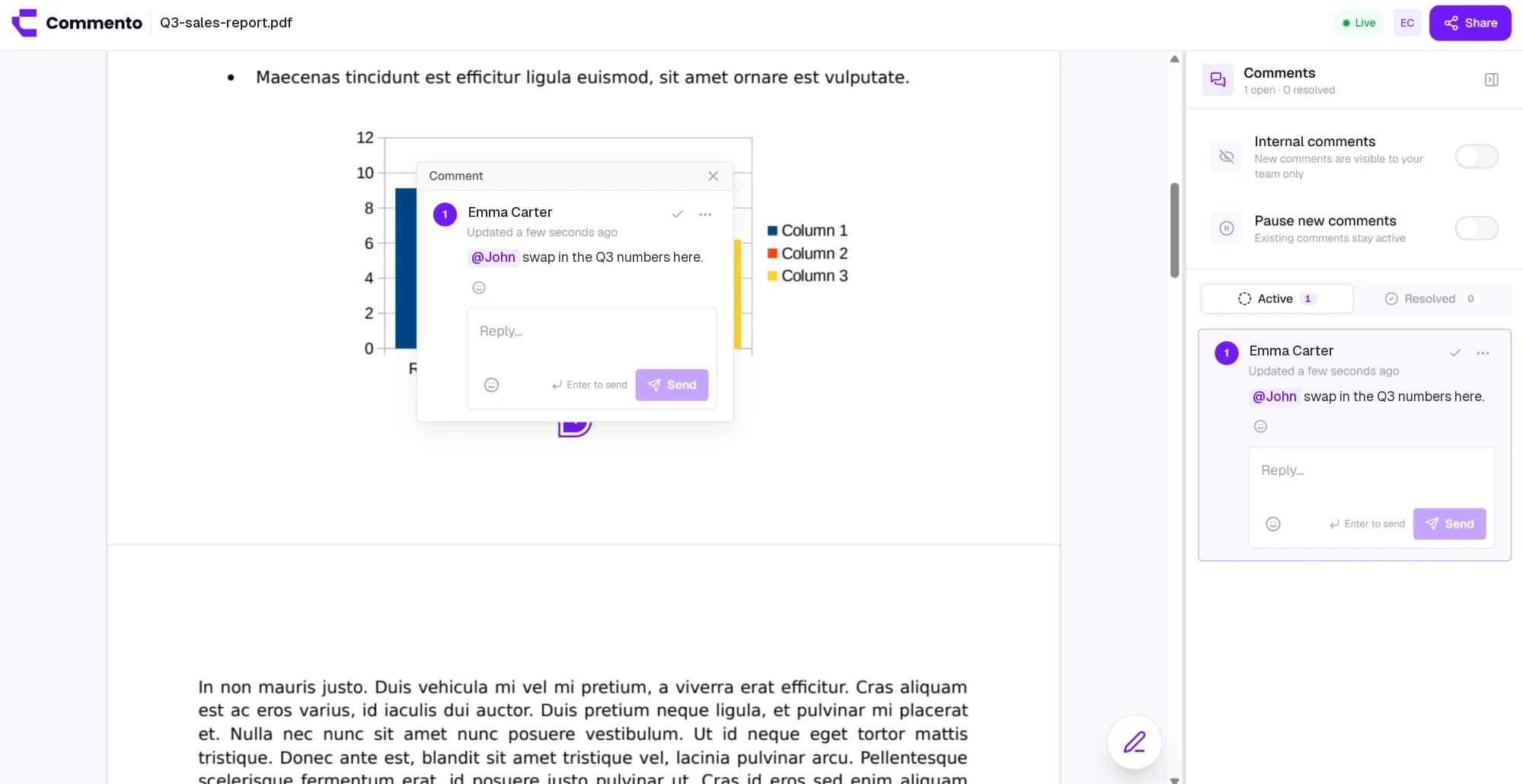
Upload a proposal, brochure, or contract and pin comments to the exact line on the right page, so every change request is clear.
Add a website, image, video, or PDF, share one review link, and get pinned feedback your team can act on. Free for 10 days with no card required.
Get started today