Sep 23, 2026
Website QA Checklist Before Launch
Hussain Abdullah
Head of Product6 min read
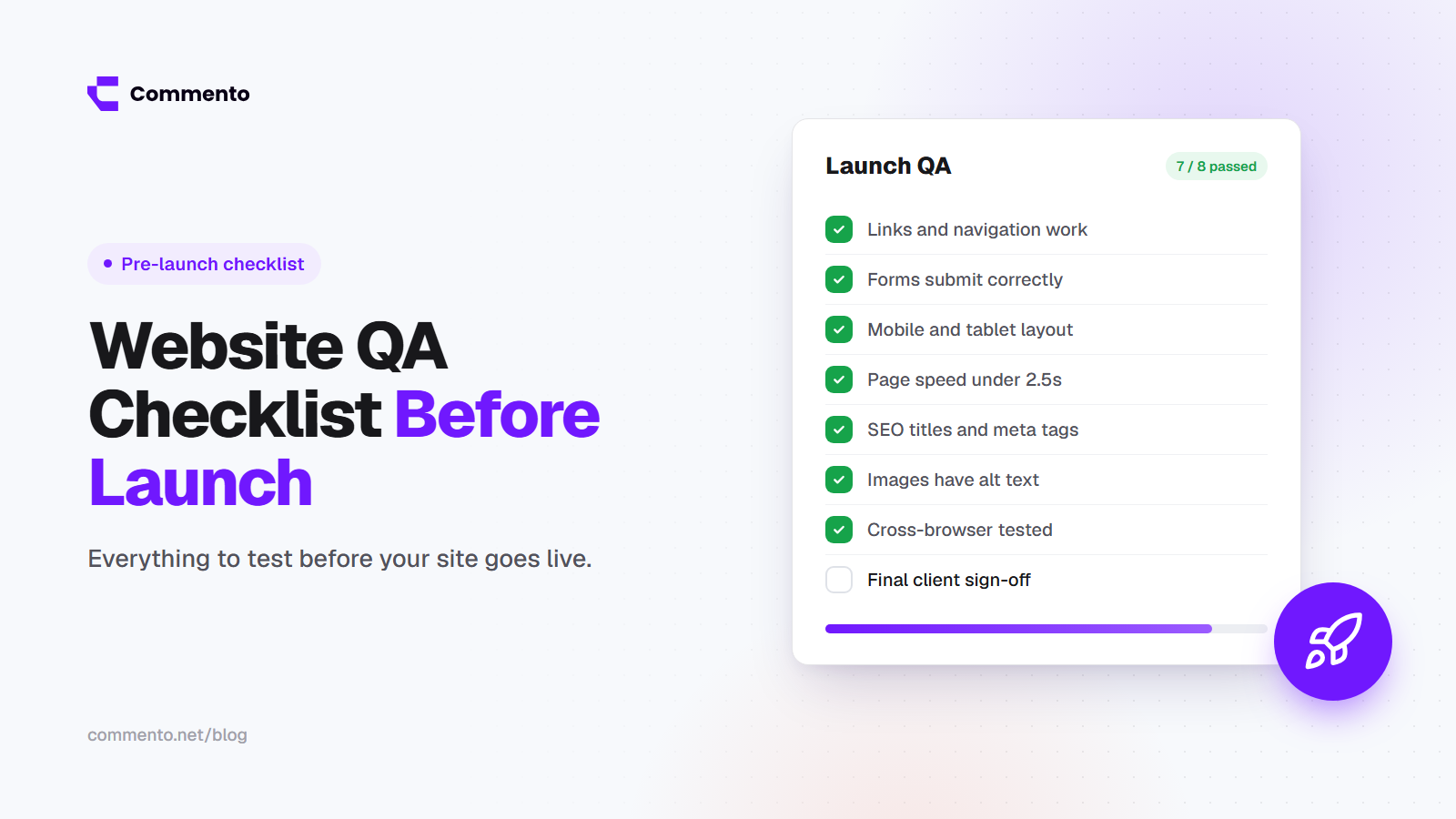
Launch day is the worst time to find out the contact form sends emails to nobody, or that the whole site is hidden from Google. Most launch problems are not hard to fix. They just were not checked.
This website QA checklist, which you can also use as a website launch checklist, covers everything you should test before a site goes live. Work through it with your team, mark each item as done and fix anything that fails before you launch.
How to use this checklist
Run it on the staging site first, then again on the live site right after launch
Split sections between team members so the work goes faster
Record every problem in one place with the page, the screen size and what went wrong
Do not launch with any "must fix" items still open
The easiest way to record problems is to use website review software that lets you pin comments right on the page. With Commento, your team can comment on the live or staging site and every comment includes the browser, device and screen size automatically.
1. Content
All placeholder text such as "lorem ipsum" has been replaced
All test content, test products and test blog posts have been removed
Spelling and grammar have been checked on every page
Names, prices, phone numbers, emails and addresses are correct
Dates and years are current, including the copyright year in the footer
Every image is the final version and is the right size
Legal pages are in place: privacy policy, terms and cookie policy if needed
2. Design and layout
This is where most web design feedback from clients comes in, so check it early and check it on real screens.
Pages match the approved design
Fonts, colors and spacing are consistent across all pages
No elements overlap or look cut off
Hover, focus and active states work on buttons and links
The favicon shows in the browser tab
The 404 page is designed and helps people find their way back
3. Links and navigation
Every menu link goes to the right page
No broken links, internal or external (use a link checker to crawl the site)
The logo links to the homepage
External links open where you want them to
Phone numbers and email addresses are clickable on mobile
Old URLs redirect to new ones with 301 redirects if this is a redesign
4. Forms
Every form submits successfully
Form emails arrive at the right inbox and do not land in spam
Confirmation messages or thank you pages appear after submitting
Required fields and error messages work and are easy to understand
Spam protection is turned on
Any connected tools, such as your CRM or email list, receive the data
5. Mobile and responsive layout
Every key page works on small phones, large phones, tablets and desktops
No sideways scrolling on mobile
The mobile menu opens, closes and works on tap
Buttons are big enough to tap easily
Tested on at least one real iPhone and one real Android phone
For a full walkthrough, see our guide to responsive website review.
6. Browsers
Tested in the latest Chrome, Safari, Firefox and Edge
Tested in Safari on iPhone, since it often behaves differently
No errors in the browser console on key pages
7. Speed and performance
Run key pages through Google PageSpeed Insights
Check Core Web Vitals. Google's "good" targets are a Largest Contentful Paint under 2.5 seconds, Interaction to Next Paint under 200 milliseconds and Cumulative Layout Shift under 0.1
Images are compressed and served in modern formats like WebP or AVIF
Images below the first screen load lazily
Unused scripts and plugins have been removed
Caching is set up on the server or CDN
8. SEO basics
Every page has a unique title tag and meta description
Each page has one clear H1 heading
The "noindex" setting from staging has been removed
robots.txt does not block pages you want in Google
An XML sitemap exists and has been submitted to Google Search Console
Canonical tags point to the right URLs
Images have descriptive file names and alt text
Open Graph tags are set so links look right when shared on social media
Structured data is added where it makes sense, such as for articles or products
Blocked crawling is one of the most common launch mistakes. Always open yourdomain.com/robots.txt on the live site and read it before you announce anything.
9. Accessibility
You can use the whole site with only a keyboard
Focus outlines are visible when tabbing through the page
Text has enough contrast against its background
Images have meaningful alt text
Form fields have labels
Headings follow a logical order
Our website accessibility review checklist goes through each of these in more detail.
10. Security
HTTPS works on every page and HTTP redirects to HTTPS
The SSL certificate is valid and set to renew
Admin and staging areas are protected or removed from public access
Default passwords and test accounts have been removed
Backups are set up and you know how to restore one
All plugins, themes and packages are up to date
11. Analytics and tracking
Analytics is installed and recording visits
Key events are tracked, such as form submissions, signups and purchases
Test visits and internal traffic are filtered out
The cookie banner works and respects the visitor's choice where the law requires it
Google Search Console is set up for the live domain
12. After launch
Open the live site in a private window and click through the main pages
Submit every form one more time on the live site
Check that analytics shows your own test visit
Check Search Console over the next few days for crawl errors
Keep a way for visitors and your team to report problems
How to run website QA as a team
Website testing only works if problems are reported clearly. When a check fails, the report should include the page, the screen size, the browser, what happened and what should have happened. For bugs, our guide to visual bug reporting shows the details developers need, and our free bug report template gives you a ready format.
It also helps to decide who has the final say. One person should confirm that all must fix items are closed before the launch goes ahead.
For a wider look at gathering and sorting feedback during a project, read our complete guide to website feedback.
Final thoughts
A good website QA checklist turns launch day from stressful to boring, and boring is exactly what you want. Test content, links, forms, mobile, speed, SEO, accessibility, security and tracking, and fix what fails before you go live.
To make QA faster, use Commento so your team can pin issues on the page with the technical details already attached.